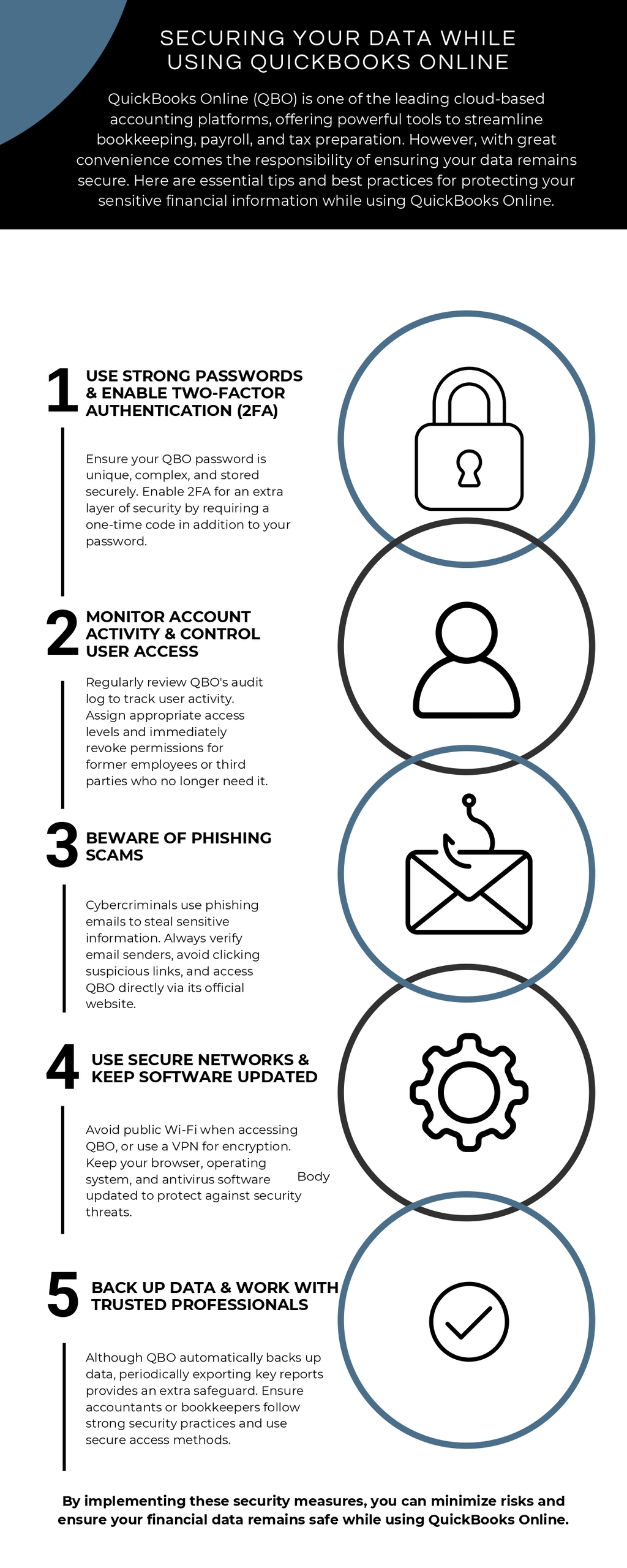

Securing Your Data While Using QuickBooks Online
QuickBooks Online (QBO) is one of the leading cloud-based accounting platforms, offering powerful tools to streamline bookkeeping, payroll, and tax preparation. However, with great convenience comes the responsibility of ensuring your data remains secure. Here are essential tips and best practices for protecting your sensitive financial information while using QuickBooks Online.
1. Use Strong Passwords & Enable Two-Factor Authentication (2FA)
Ensure your QBO password is unique, complex, and stored securely. Enable 2FA for an extra layer of security by requiring a one-time code in addition to your password.
2. Monitor Account Activity & Control User Access
Regularly review QBO's audit log to track user activity. Assign appropriate access levels and immediately revoke permissions for former employees or third parties who no longer need it.
3. Beware of Phishing Scams
Cybercriminals use phishing emails to steal sensitive information. Always verify email senders, avoid clicking suspicious links, and access QBO directly via its official website.
4. Use Secure Networks & Keep Software Updated
Avoid public Wi-Fi when accessing QBO, or use a VPN for encryption. Keep your browser, operating system, and antivirus software updated to protect against security threats.
5. Back Up Data & Work with Trusted Professionals
Although QBO automatically backs up data, periodically exporting key reports provides an extra safeguard. Ensure accountants or bookkeepers follow strong security practices and use secure access methods.
Conclusion
By implementing these security measures, you can minimize risks and ensure your financial data remains safe while using QuickBooks Online.